It’s snowing
on your desktop.
Snow falls over your screen and settles on top of your windows. For Mac and Windows.
macOS 13+ · Windows 10 (2004+) and 11
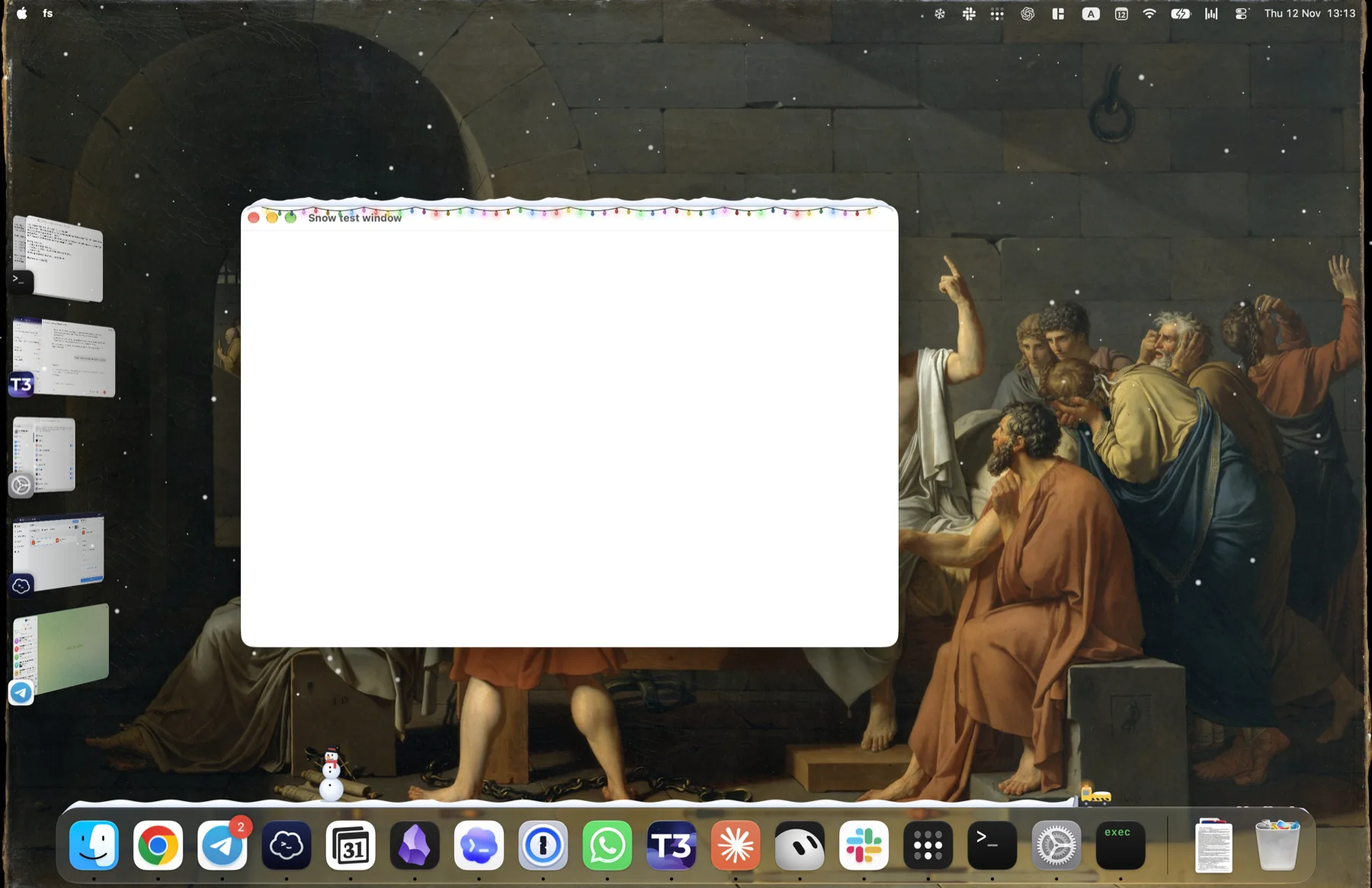
Recorded on a real Mac
It piles up where it lands.
Snow collects on top of your windows and along the Dock. Move a window and it slides off.

- 01Window topsEvery window you leave alone grows its own little roof of snow.
- 02The DockA drift builds along the Dock, from a dusting to deep.
- 03Shake it offDrag a snowy window around and the snow flies off its edge.
Little things to play with.
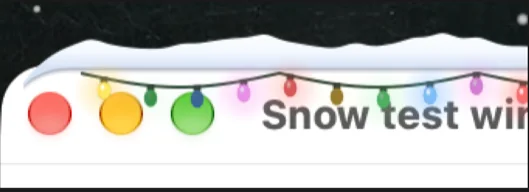
Lights on every title bar.
Pick Classic, Warm, Icy or Candy, and set how fast they twinkle.
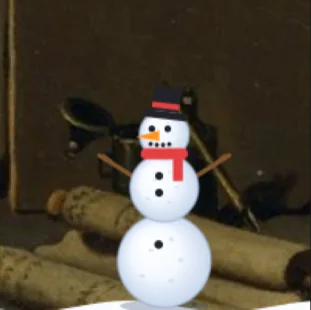
Roll it, stack it.
Scrub the drift with your cursor to roll a snowball. Stack three for a snowman.
A plow clears the Dock.
It drives along the drift every now and then. Or call it yourself.

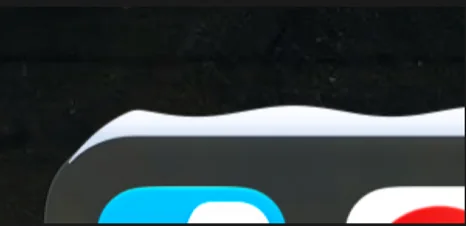
Snow on the Dock, too.
The drift follows the Dock and sits right on its edge.
A flurry or a blizzard.
Snowfall, flake size, wind and drift depth are all sliders in one cozy panel.
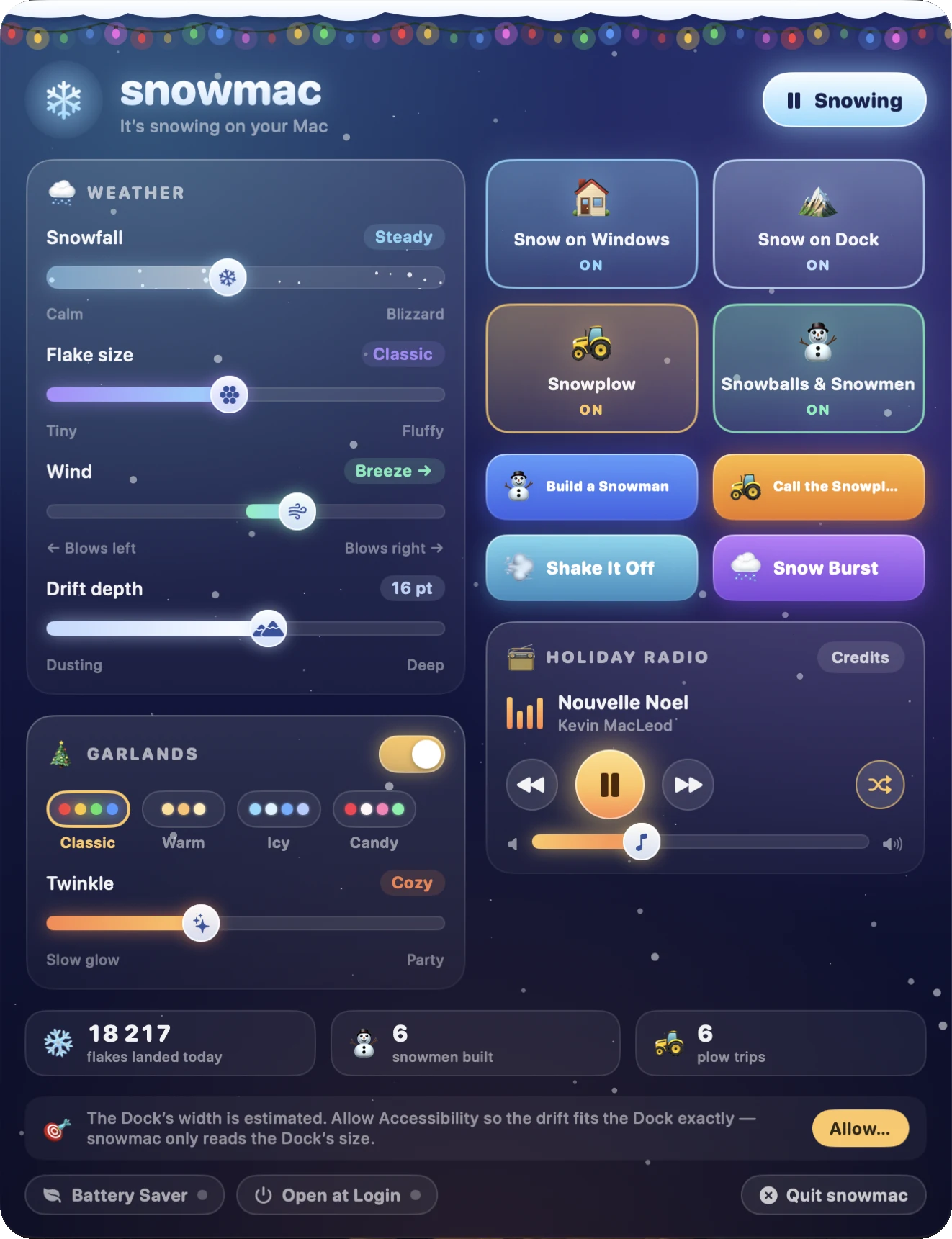
- 01WeatherCalm to blizzard, tiny to fluffy, wind from either side.
- 02GarlandsFour palettes, from a slow glow to a party.
- 03One-click funBuild a Snowman, Call the Snowplow, Snow Burst.
- 04Battery SaverRuns at 30 frames a second instead of 60.
- 05Always at handClick the snowflake icon to open it. Pause the snow any time.
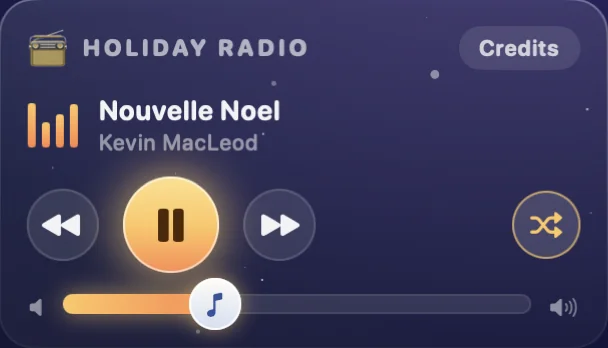
Carols, built in.
About an hour of holiday music plays right in the panel. It works offline.
Light on your computer.
Three steps to snow.
Pay once. Or monthly.
1 license = 1 computer, Mac or PC. Reinstalling on the same computer is fine.
- Everything in snowmac
- Future updates included
- 1 computer, Mac or PC
- Everything in snowmac
- Future updates included
- 1 computer, Mac or PC
Questions.
What do I get?
Everything snowmac does: snow on your windows and the Dock, garlands, the snowplow, snowballs and snowmen, the control panel and the holiday radio. Every future update is included, monthly or lifetime.
Which computers does it run on?
Macs with macOS 13 Ventura or later, Apple silicon and Intel. PCs with Windows 10 (version 2004 or later) or Windows 11.
How do I unlock it?
Buy a license and you get a key. Open snowmac, choose Activate and paste the key. There’s no account to create. snowmac starts snowing once it’s activated.
Can I use it on more than one computer?
1 license = 1 computer, Mac or PC. For more computers, get more licenses: the Friends Pack is 4 lifetime licenses for $20.
I got a new computer.
A license stays with the first computer that activates it. Reinstalling on the same computer is fine. Need to move it? Write to support and we’ll help.
I lost my license key.
It was on the page you saw after paying and in your email. You can also get it by email or write to support with your Paddle receipt.
Will it slow my computer down or drain the battery?
The snow is GPU-composited and uses about 5–8% CPU while it falls. By default it pauses when your screen is locked, the computer sleeps or sits idle, and over full-screen apps. On battery power or in Low Power Mode it saves even more. Clicks always pass straight through the snow.
Monthly or lifetime?
Same app either way. Monthly is $5 and you can cancel any time. Lifetime is $10 once and never expires.
How do gift codes work?
The Friends Pack gives you your own license plus 3 gift codes. Each code becomes a lifetime license for one friend’s computer. They redeem it at snowmac’s redeem page.
Can I get a refund?
Yes, within 14 days of purchase, no questions asked. Payments and refunds are handled by Paddle. Refund policy.
Something else? support@snowmac.app